HearYaGo

HearYaGo

Share music across platforms effortlessly. Detect songs on any music streaming site and instantly get links for all major platforms.

Works on Chrome, Edge, Brave, Opera, and other Chromium-based browsers

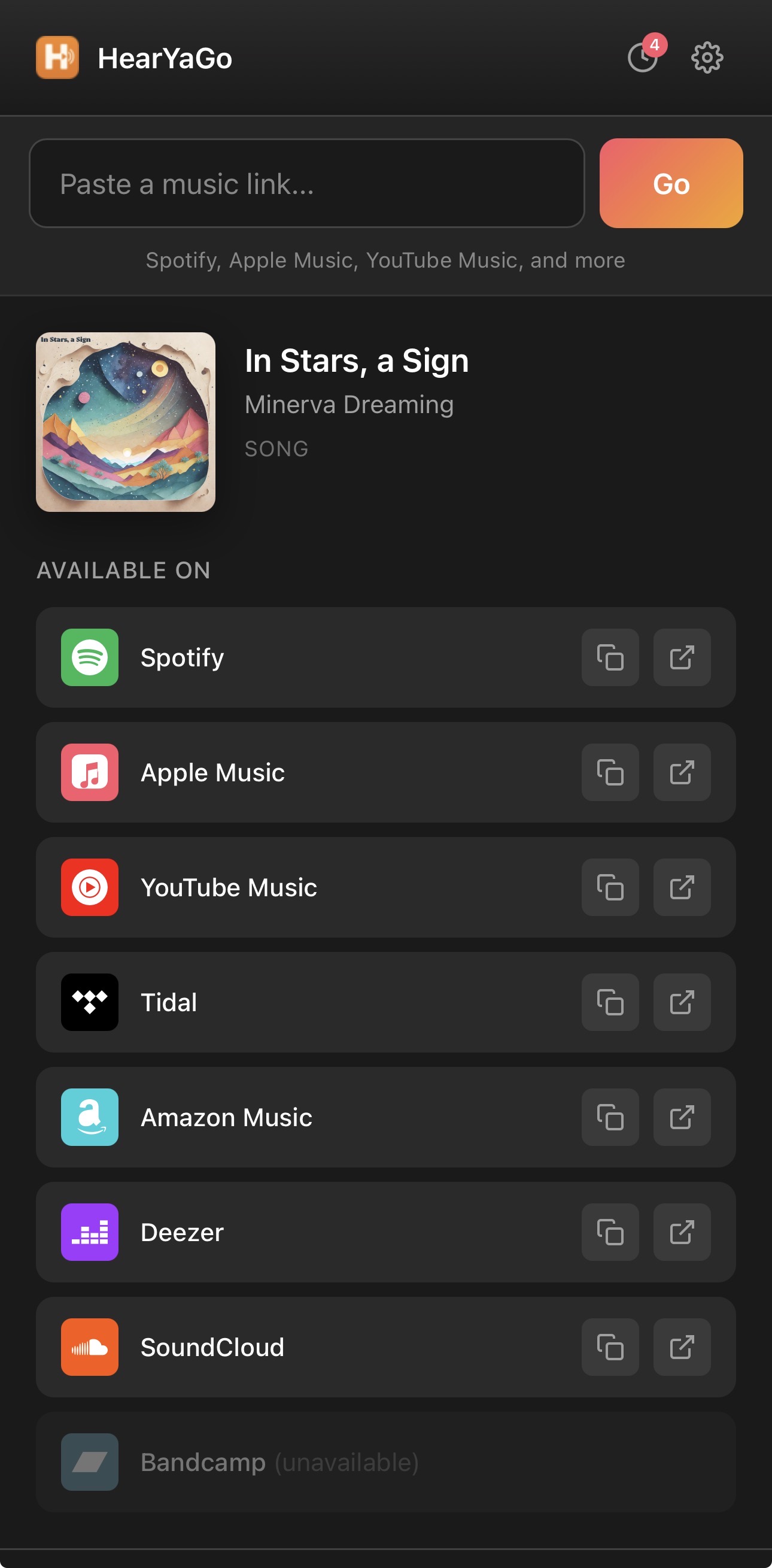
Extension Preview
Extension

Test with a Music Link

Try these sample links:

How to Use

  1. Visit any music streaming site (Spotify, Apple Music, YouTube Music, etc.)
  2. Navigate to a song or album you want to share
  3. Click the HearYaGo icon in your browser toolbar
  4. View the song info and links to all available streaming platforms
  5. Click the copy icon to copy a link, or the arrow icon to open it directly
  6. Use the settings gear to customize which platforms appear